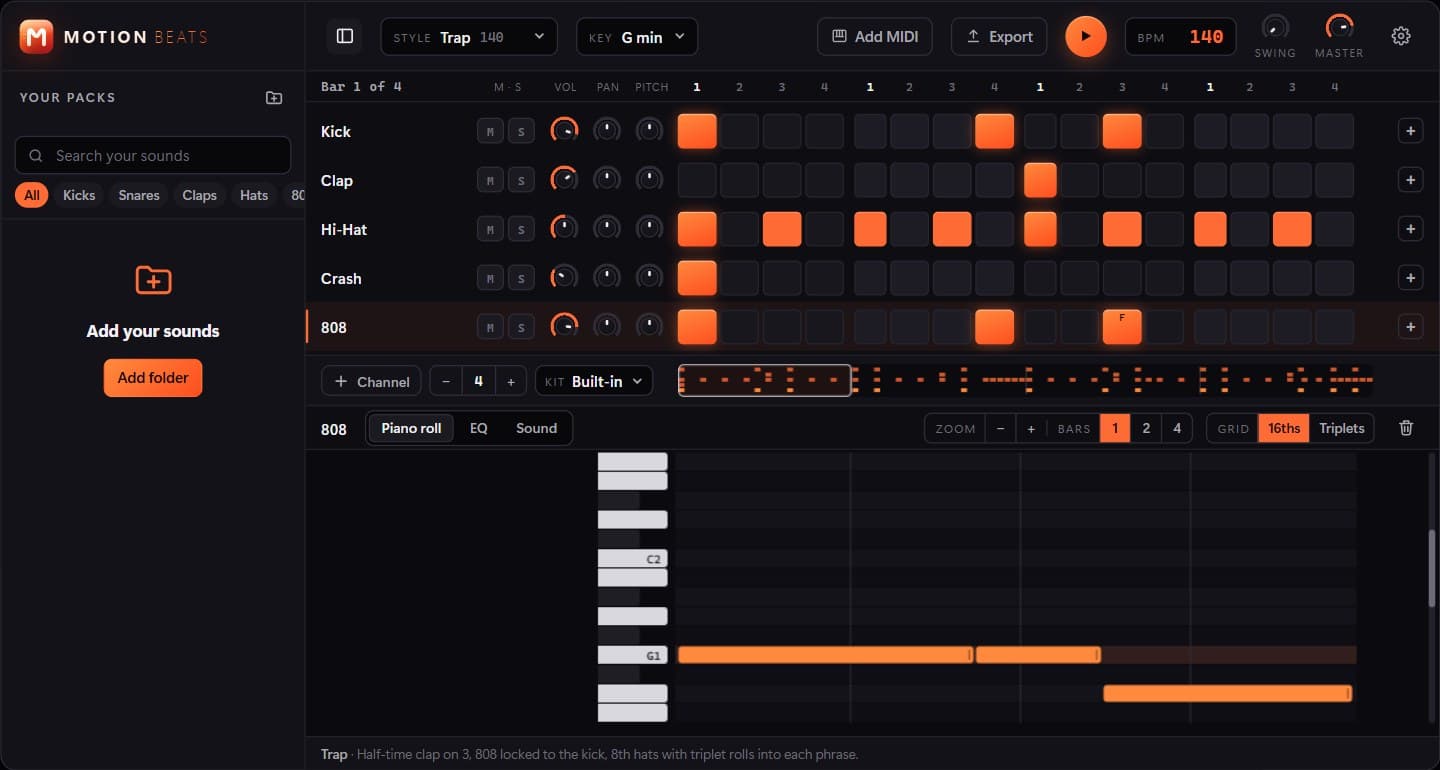
Premium motion in After Effects, without fighting the graph editor.
MotionFX is a panel that lives inside After Effects. Select a layer, pick a move, and it applies polished easing, transitions, text animation, liquid glass or a camera move straight to your comp.
Everything it creates is real keyframes on your layers, so you can still open the graph editor and adjust anything by hand. It is built for editors who want Apple-style motion in minutes instead of an afternoon.
Everything MotionFX does
Make it expensive
One click turns a flat layer into premium motion with considered timing and overshoot.
Easing curves
Drag the curve yourself, or pick from Apple-style curves and springs with a live preview.
27 transitions
In and out moves built from real keyframes you can retime and edit after applying.
Liquid glass
A refracting glass rig you can place over any footage and animate like a normal layer.
Motion assistant
Describe the motion you want in plain words and it picks and stacks the presets for you.
Camera moves
Push-ins, orbits, parallax and dolly zoom without building a camera rig from scratch.
Three steps, no learning curve
- 1
Select your layers
Open the MotionFX panel next to your timeline and select the layers you want to animate.
- 2
Pick or describe a move
Choose a preset, a curve or a transition, or type what you want into the assistant.
- 3
Fine-tune and render
The result is plain keyframes: retime, tweak or stack moves, then render as usual.
Who it's for
- Motion designers
- YouTube & social editors
- Agencies on tight deadlines
- After Effects beginners
MotionFX is on its way
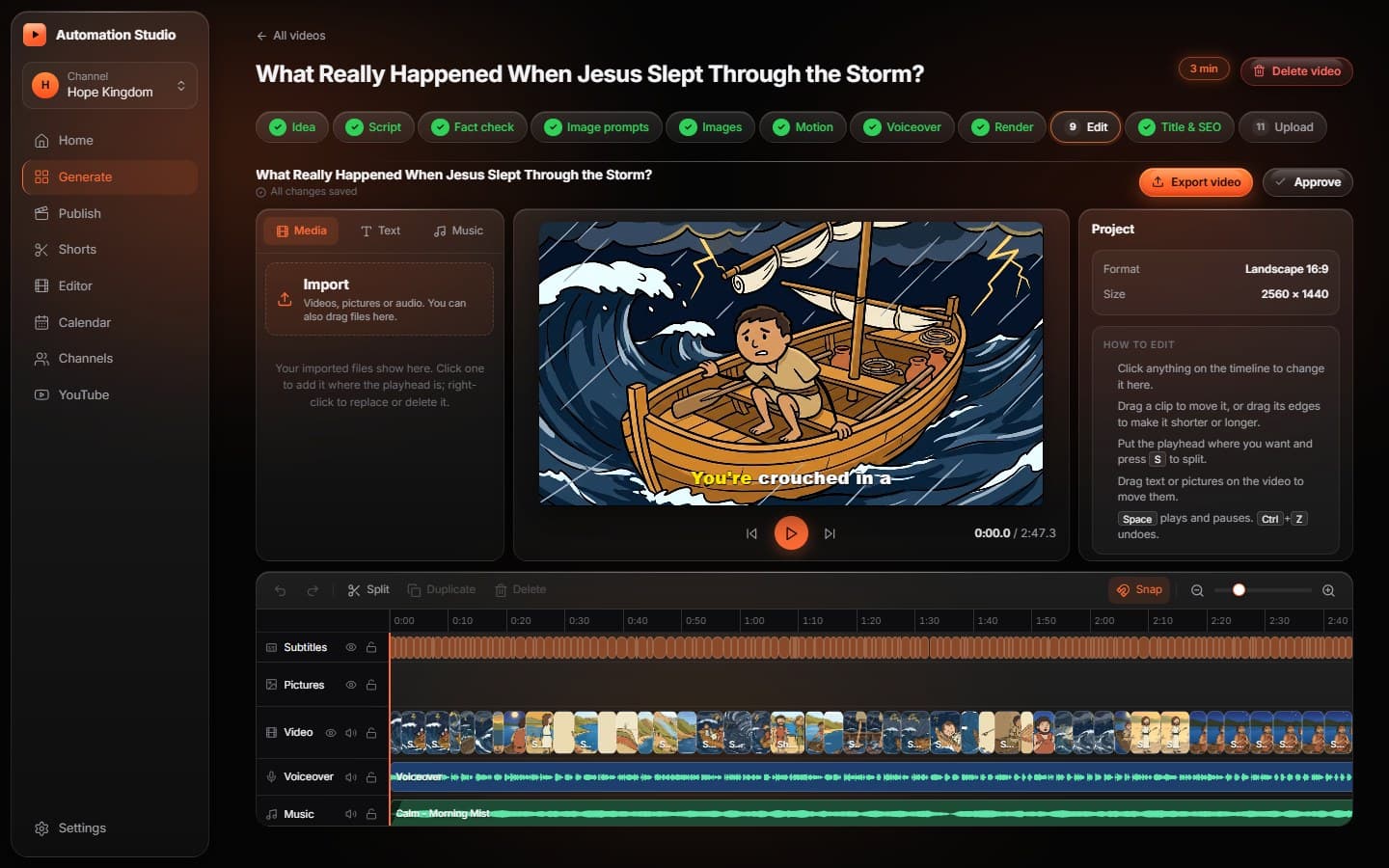
Launch details and pricing will be announced here. In the meantime, Automation Studio is available today: faceless YouTube videos on autopilot: script, voice, visuals, editing and upload.